Advanced Calibration & Remapping Engine
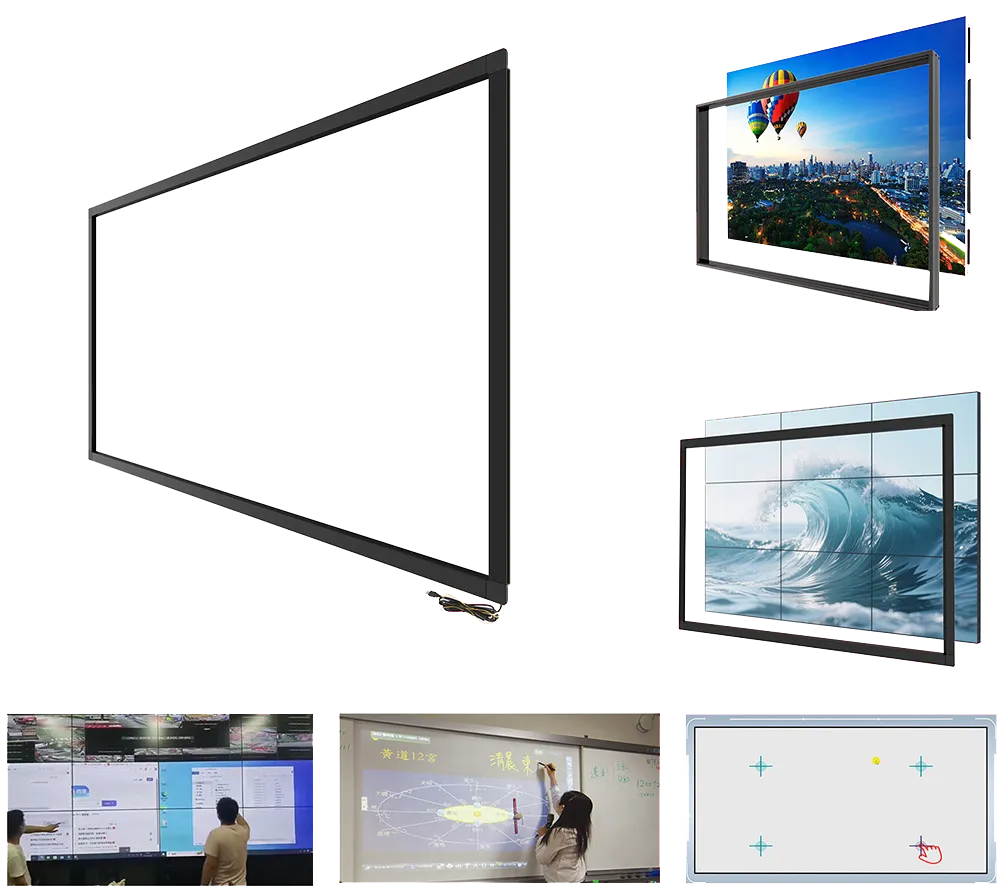
Product Advantages
Firmware-stored
Calibration data is saved inside the touch frame — never lost when changing PCs or powering off.
Windows calibration tool
Advanced software runs on Windows. After calibration, the frame works perfectly on any OS (Android, Linux, macOS).
Corrects any distortion
Compression, stretch, linear distortion, video wall splicing, projector keystone — all can be calibrated.
Multi-display ready
Single frame to many displays, many frames to many displays, even different hosts — we have a solution.
Calibration scenarios — from simple to complex
1 frame → 1 display
Ideal for standard monitors, projectors with keystone, or custom windowed display modes. Solves any compression, stretching, or linear distortion.
- Run the calibration tool on Windows.
- Follow on-screen crosshair points.
- Data is saved to frame firmware.
- Now use on any OS without re-calibration.
1 frame → multiple displays (same PC)
When one touch frame covers several screens (extended desktop). Typical for video walls with a single controller.
- First, use OS display settings to map touch to the correct screen.
- Open calibration tool — it automatically shows crosshairs on the corresponding display.
- Calibrate each logical screen separately.
Multiple frames → multiple displays (same PC)
Classic video wall with each display having its own touch frame. All connected to one PC.
- In the calibration tool (touch.exe), select the specific frame you want to calibrate.
- The tool highlights the corresponding display with crosshairs.
- Repeat for each frame/display pair.
1 frame → multiple displays (different hosts)
One large touch frame divided into zones, each connected to a different PC via the remapping box (up to 16 USB outputs).
- Connect frame to remapping box, then each USB output to a separate host.
- Calibrate each USB path individually using the same Windows tool.
- All zones work simultaneously with perfect accuracy.
All series support firmware calibration
E-Series · custom
| Accuracy | < ±1mm |
| Touch points | 10–32 (up to 64) |
| Max size | 500″ (12m) |
| Calibration | Firmware-saved, Windows tool |
| Compatibility | Win/macOS/Linux/Android |
Applications
View Product →K-Series · ultra-slim
| Accuracy | < ±1mm |
| Touch points | 20 (up to 64) |
| Max size | 240″ (5m) |
| Calibration | Firmware-saved, Windows tool |
| Anti-interference | LED noise filtering |
Applications
View Product →F-Series · 27–110"
| Accuracy | < ±1mm |
| Touch points | 40-touch capability |
| Sunlight | 10klux operation |
| Calibration | Firmware-saved, Windows tool |
Applications
View Product →Note: Calibration software runs on Windows only. Once calibrated, the frame stores the correction and works flawlessly on Android, Linux, macOS, etc. No need to recalibrate when switching hosts.
Calibration in action
Touch Calibration Guide #1 – 4-Point vs 9-Point Calibration
4-Point & 9-Point Touch Calibration, How to Achieve <2mm Accuracy
Touch Calibration Guide #2 – Easy Rotation Calibration
90°/180°/270° Touch Mapping for Rotated Screens
Touch Calibration Guide #3 – Multi-Host & Multi-Display Mapping
How to Match Touch to the Right Screen
Custom Calibration for IR Touch Frame – Move Sampling Points When Screen Is Blocked or Damaged
Default calibration points not visible? Our custom calibration software lets you reposition sampling points to any visible area. Perfect for partially occluded or damaged displays.